



NDI Deployments in AV over IP Workflows: A Practical Guide for UAE Integrators
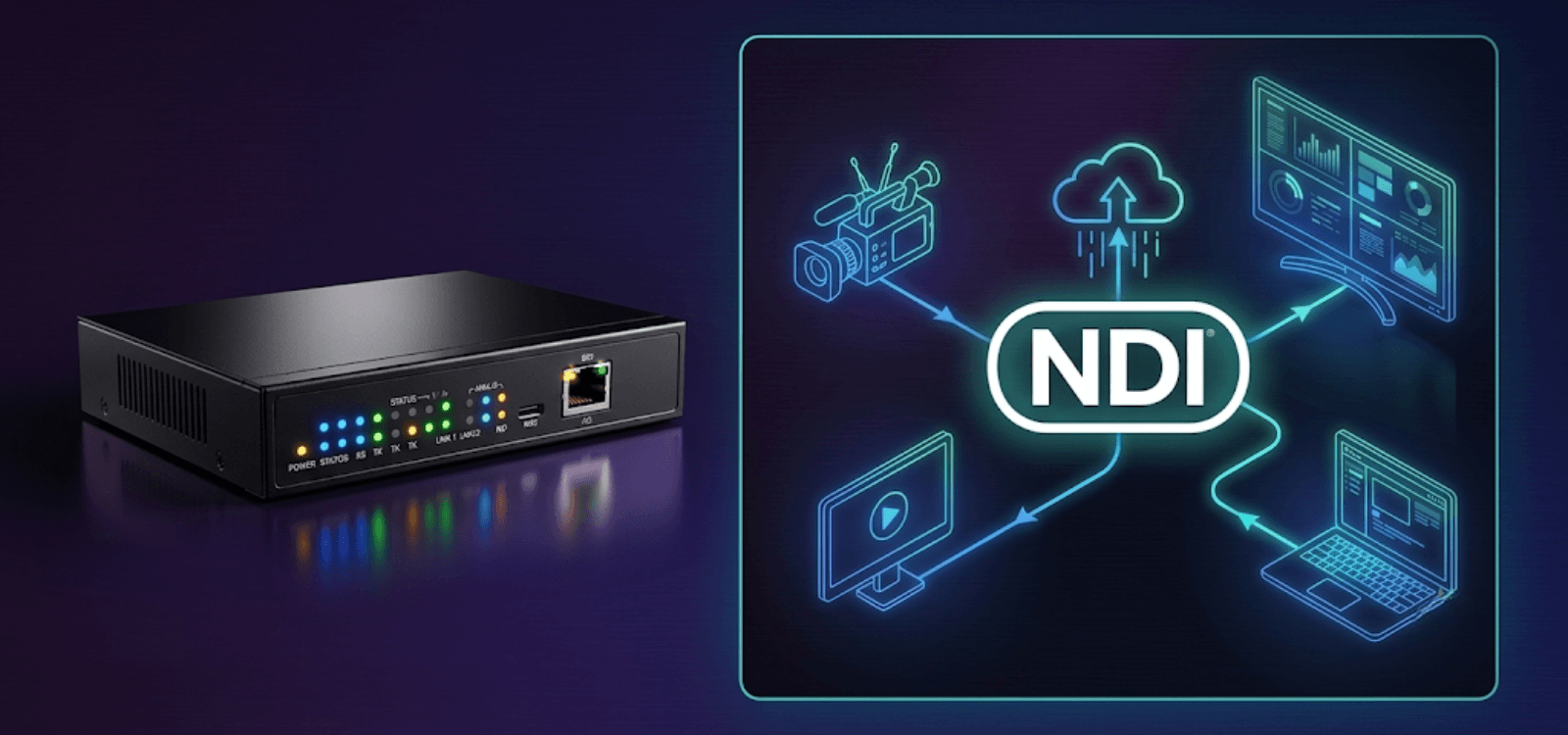
NDI (Network Device Interface) is a video over IP protocol that lets cameras, encoders, switchers, and displays exchange broadcast grade video and audio across a standard Ethernet network with no dedicated video cabling. In AV over IP workflows, NDI is the layer that connects production sources like cameras and soft codecs to the wider distribution system. For UAE integrators, whether a project succeeds on day one and stays stable in year three depends less on the protocol itself and more on the network design decisions made before hardware ships.
At DTIS (Digitech Integrated Solutions), we distribute WyreStorm NetworkHD and adjacent AV over IP platforms to integrators, consultants, and end user teams across the UAE, Saudi Arabia, and the wider GCC. This guide covers how to plan NDI properly inside a broader AV over IP architecture, where it usually breaks down, and what needs to sit in your design from day one.
Why NDI Sits at the Centre of Modern AV Projects
Ten years ago, running video around a building meant one cable per source, per destination. That model is fading fast.
Corporate offices in Dubai now want boardrooms that look and behave like broadcast studios. Universities in Abu Dhabi are recording every lecture, streaming to remote campuses, and archiving the whole library without pulling new cable. Convention centres in the UAE run five productions at once, each in a different hall, all managed from one central control room.
Behind almost every one of those projects sits AV over IP. And inside the AV over IP layer, NDI is doing a lot of the heavy lifting.
The catch is that NDI is easy to demonstrate on a bench and hard to deploy at scale. The projects that stumble rarely stumble because the protocol has limits. They stumble because someone treated it like a plug and play format on a network that was never designed to carry it.
This guide is written for the AV integrator, IT consultant, or project engineer who needs NDI to work on day one, in year three, and every time the client asks it to scale.
What Is NDI and Why Is It Central to AV over IP?
NDI stands for Network Device Interface. It was released by NewTek in 2015, later acquired by the Vizrt Group, and has grown into one of the most widely deployed video over IP protocols in professional AV.
The concept is simple. Instead of running SDI or HDMI between every source and destination, NDI moves video, audio, and metadata over a standard Ethernet network. Devices discover each other automatically. Any source can feed any destination, or many destinations, at the same time. Adding a new camera or encoder is a network job, not a cabling job.
Today NDI is supported by more than 200 manufacturers. It is built into Microsoft Teams, OBS, vMix, and most professional PTZ camera lines from Panasonic, Sony, PTZOptics, and BirdDog. The latest release, NDI 6.2, introduced stronger discoverability across large networks, live stream monitoring tools, and an improved Discovery Tool for managing installations at scale.
For an integrator, the appeal is straightforward. NDI runs on infrastructure most buildings already have. It reduces cable runs, opens flexible workflows, and connects easily to software platforms that clients already use every day. That combination is why it has landed inside so many corporate, education, and event AV designs across the GCC.
Which NDI Format Fits Your Project?
Not every NDI stream is the same, and choosing the right format for the network you actually have is one of the most important early decisions on any project. Three variants are in active use.
| NDI Format | Compression | Approx. Bandwidth (1080p60) | Best Fit |
| NDI High Bandwidth | Light | 100 to 150 Mbps | Broadcast studios, high grade live production, critical AV installs |
| NDI HX2 | H.264 / H.265 | 8 to 20 Mbps | Corporate video conferencing, hybrid learning, remote production |
| NDI HX3 | H.264 / H.265 (improved) | 8 to 20 Mbps | Most UAE commercial deployments, default for enterprise and education |
NDI High Bandwidth is the full quality, lightly compressed version. Gigabit is the minimum. Ten gigabit is standard on serious builds. This format suits broadcast studios and premium live production where every drop of image quality matters.
NDI HX2 uses H.264 or H.265 compression to reduce bandwidth. It trades a small amount of latency and image quality for the ability to run many streams on a network that could not carry the same load in High Bandwidth. Most corporate hybrid meeting environments still sit here.
NDI HX3 is the current generation of the compressed format. It matches HX2 on bandwidth efficiency but improves latency and image quality noticeably. New PTZ cameras from Panasonic, PTZOptics, Sony, and BirdDog now ship with HX3 built in. For most UAE commercial deployments, from a 200 seat auditorium to a midsize enterprise boardroom, HX3 is the sensible default. It delivers real production quality on a standard one gigabit network without pushing the infrastructure past its limits.
Why Do NDI Deployments Fail?
If you have deployed NDI on more than a handful of projects, you already know the protocol itself is rarely the problem. The network under it usually is. Four patterns come up again and again on UAE and GCC sites.
Discovery breaks the moment you cross subnets. NDI uses mDNS, which is a multicast protocol built to work inside a single subnet. As soon as a project spans multiple VLANs, network floors, or physically separated buildings, devices stop finding each other automatically. This is the single most common failure on larger commercial projects, and it catches integrators who tested a design on a flat lab network and assumed it would behave the same at scale in a 40 storey tower.
Switch configuration is treated as an afterthought. NDI needs managed switches with proper IGMP snooping, QoS traffic prioritisation, and enough buffer memory to absorb bursty traffic from multiple simultaneous streams. General purpose office switches, or unmanaged switches, will drop frames, spike latency, or fail discovery entirely the moment real load hits the wire.
NDI shares infrastructure with unrelated traffic. In enterprise environments, NDI streams end up running on the same network as business data, VoIP, security systems, and collaboration tools. Without VLAN segmentation, video traffic gets affected by, or affects, everything else on the wire. Intermittent glitches follow. Diagnosing them weeks after launch turns into a costly exercise in elimination.
Security is not configured on install. Out of the box, NDI streams are visible to any device on the same network. For corporate, government, and education clients handling sensitive material, that is a serious oversight. Access Manager, VLAN isolation, firewall rules, and NDI Bridge with AES encryption for any traffic leaving the LAN all need to sit inside the design, not get bolted on later after a compliance question is raised.
Spotting these failure points at the design stage is what separates a clean cutover from a project that pulls the integrator back on site every month for the first year.
How Should You Design the Network for NDI?
The core network principles for NDI are consistent whether you are deploying ten devices or a hundred.
Assign static IPs, or DHCP reservations, to every NDI endpoint. Dynamic addressing without reservations produces source name collisions and discovery failures the moment a device restarts or is swapped mid project.
Segment NDI traffic on its own VLAN. This keeps AV workloads isolated from unrelated network activity and gives the client’s IT team visibility over what is happening on the AV side without needing to police it.
Enable IGMP snooping on every managed switch in the path. Multicast NDI streams will flood every port on switches that are not properly configured, choking the network and degrading performance across the entire deployment.
Apply QoS policies to prioritise AV traffic. When NDI shares a network with anything else, and it almost always will, QoS is what stops a large file transfer, a Windows update, or a backup job from stealing bandwidth from a live feed mid presentation.
Plan for an NDI Discovery Server the moment your project crosses subnets. Multi floor buildings, multi building campuses, and any deployment involving remote sites need a Discovery Server so that the mDNS subnet limitation stops being a limitation. This is standard on any serious UAE enterprise or education project, and worth designing in from day one rather than retrofitting after a client escalation.
How Does NDI Fit Inside a Wider AV over IP Architecture?
NDI is rarely the whole system. On most professional projects, it is one piece of a larger AV over IP architecture that also includes structured video distribution, control platforms, and managed display networks.
The integration question is what matters. NDI on its own handles production and workflow. AV over IP distribution handles display, signage, and routing. Connecting them cleanly, so cameras, soft codecs, switchers, and displays all live under one system, is where good design shows.
Purpose built NDI gateway hardware is the practical answer. WyreStorm’s NetworkHD platform is one that DTIS supplies and supports regularly across the GCC. The NHD-128-NDI-TRX transceiver bridges NDI production workflows with the NetworkHD AV over IP environment. An NDI camera can feed a Teams meeting, a live event mix, and a multi zone display system through the same unified architecture rather than three parallel ones.
Centralised management tools extend that further. WyreStorm’s Sygma Cloud gives integrators live visibility into every NetworkHD device on a client’s network without an on site trip for every diagnostic call. On UAE projects that stretch across large floor plates, multiple buildings, or 24/7 operational environments, that kind of remote visibility is not a nice to have. It is what stops the phone from ringing every week.
Where Is NDI Being Deployed Across the UAE?
Corporate Boardrooms and Enterprise AV
UAE enterprises are pushing hard into broadcast style AV for internal town halls, executive presentations, and hybrid meetings. NDI enables multi camera setups that plug directly into Microsoft Teams, Zoom Rooms, and Google Meet without needing a dedicated production rack sitting behind the display. HX3 is the format most of these projects land on.
Convention Centres and Large Venues
Convention centres are the hardest NDI environment to design well. Dozens of rooms, simultaneous productions, remote camera positions, and a central control room all need to see the same infrastructure. VLAN architecture, Discovery Server placement, and QoS policy are the make or break decisions. Done properly, an integrator can run five events on a Tuesday afternoon and never touch a patch panel.
Education and Hybrid Learning
Universities across the UAE are building lecture capture and hybrid learning infrastructure at pace. NDI supports flexible multi camera classrooms that a traditional cabling approach cannot deliver at the same cost. HX3 sits comfortably on standard one gigabit campus networks while delivering quality that holds up on a full auditorium recording.
Houses of Worship and Community Venues
For smaller teams running weekly services, NDI turns a laptop and a handful of PTZ cameras into a live production system. Auto discovery keeps the setup accessible to volunteer operators rather than requiring a full time technical crew.
How Does NDI Compare to SDVoE, SMPTE ST 2110, and Dante AV?
NDI is not the only AV over IP protocol worth considering, and it is not always the right primary choice. Knowing where it sits relative to the alternatives helps you make the right call on paper before you commit to hardware.
| Protocol | Best Fit | Latency | Typical Network |
| NDI HX3 | Corporate, education, midsize venues | Low | 1 GbE |
| NDI High Bandwidth | Broadcast, high grade live production | Very low | 1 to 10 GbE |
| SDVoE | Premium residential, broadcast, luxury hospitality | Near zero | 10 GbE |
| SMPTE ST 2110 | Broadcast facilities, stadium infrastructure | Very low | 10 GbE and above |
| Dante AV | Audio first workflows with video secondary | Low | 1 GbE |
NDI compared to SDVoE. SDVoE moves genuinely uncompressed 4K at 60Hz over 10 gigabit Ethernet with near zero latency. The picture is indistinguishable from a direct HDMI connection. It is the right choice for premium residential, broadcast, and luxury hospitality where uncompressed quality is essential and 10 gigabit infrastructure is already justified. NDI’s advantage is lower cost of entry, a much wider software ecosystem, and easier integration with production platforms clients already use.
NDI compared to SMPTE ST 2110. ST 2110 is the broadcast grade standard used by major television facilities and stadium infrastructure. It runs on purpose built networks managed by professional broadcast engineers. NDI is far more accessible for commercial AV integrators and the corporate, education, and event work that dominates the UAE market.
NDI compared to Dante AV. Dante owns professional audio over IP and has a video counterpart. For projects where audio routing is the primary requirement and video is secondary, Dante can be the better choice. For video first workflows and production driven environments, NDI has the wider ecosystem and stronger software integration story.
For most UAE commercial AV deployments spanning corporate, education, hospitality, and midsize venues, NDI usually wins on the combination of cost, compatibility, and integration flexibility.
Pre Deployment Checklist for NDI over IP
Before any hardware is ordered, work through this list.
- Are all switches managed, with IGMP snooping and QoS enabled?
- Is NDI traffic isolated on its own VLAN?
- Does the deployment cross subnets? If yes, is an NDI Discovery Server planned?
- Are static IPs or DHCP reservations assigned to every NDI endpoint?
- Has security been configured through Access Manager, VLAN isolation, and NDI Bridge with AES for any traffic leaving the LAN?
- Is the NDI format matched to the available network capacity (High Bandwidth, HX2, or HX3)?
- Is a centralised monitoring tool in place for post launch visibility?
- Have the AV and IT teams agreed on operational responsibilities before handover?
Working through this list before any cable is pulled saves the six month conversation that starts with “something is wrong with the video system.”
How DTIS Supports NDI and AV over IP Projects Across the UAE
DTIS works with AV integrators, consultants, and end user teams across the UAE, Saudi Arabia, and the wider GCC on projects where NDI and AV over IP sit at the centre of the design.
As a distributor of WyreStorm NetworkHD and adjacent AV over IP platforms, we provide presales technical guidance, hardware supply, and deployment support for projects that need NDI to work as part of a manageable, scalable architecture. That means real conversations at the design stage about network capacity, subnet layout, security posture, and long term operational ownership, not just a bill of materials.
Whether the site is a headquarters build out in Dubai, a convention centre in Abu Dhabi, a university expanding its hybrid learning footprint, or a multi site enterprise rollout across the GCC, the starting point is always the same. Understand the network environment. Understand the content workflow. Understand the operational requirement three years out. Then select hardware.
If you are scoping a project that involves NDI, AV over IP distribution, or both, contact DTIS for a technical consultation. We help you design it right the first time.
Frequently Asked Questions
Is NDI the same as AV over IP?
No. AV over IP is the broader category that describes any system moving audio and video over an IP network. NDI is one protocol inside that category, sitting alongside SDVoE, SMPTE ST 2110, Dante AV, and proprietary manufacturer platforms. Most modern AV over IP designs actually use more than one.
What network speed does NDI need?
NDI HX3 runs comfortably on a one gigabit network for most commercial deployments. NDI High Bandwidth is more demanding and is usually paired with ten gigabit infrastructure once several simultaneous streams are involved. The right answer depends on stream count, resolution, and how much headroom you want for future expansion.
Can NDI work across different buildings or remote sites?
Yes, but not with mDNS alone. Any deployment that crosses subnets or physical sites needs either an NDI Discovery Server or NDI Bridge to route streams reliably beyond the local network. For any traffic leaving the client’s LAN, NDI Bridge with AES encryption is the correct design.
Does NDI work with Microsoft Teams and Zoom?
Microsoft Teams supports NDI natively for both send and receive workflows. Zoom does not have first party NDI support but can be integrated using OBS, vMix, or similar production tools. Most enterprise integration in the UAE runs through Teams because of the wider Microsoft 365 footprint on corporate accounts.
How is NDI secured on a corporate network?
Security is built through Access Manager permission groups, dedicated VLANs, firewall rules, and NDI Bridge with AES encryption for any traffic that leaves the local network. On corporate and government projects in the UAE, expect security review to be part of the design phase rather than a step you take after go live.
Is NDI still relevant given newer AV over IP protocols?
Yes. NDI’s ecosystem breadth, software integration, and low cost of entry keep it the default choice for most commercial AV deployments in the UAE and GCC. It coexists comfortably with SDVoE, ST 2110, and Dante AV, and on many projects, more than one of these protocols is deployed side by side.
What is the difference between NDI HX2 and NDI HX3?
Both use H.264 or H.265 compression and target the same bandwidth range. NDI HX3 improves on HX2 with lower latency and better image quality, making it the better choice for new deployments where devices support it. Most new PTZ cameras and encoders now ship with HX3 built in.
Ready to Design Your Next AV over IP Project?
DTIS supports integrators and consultants across the UAE, Saudi Arabia, and the wider GCC with WyreStorm NetworkHD, NDI gateway hardware, and full AV over IP architecture guidance. Get in touch for a technical consultation on your next project.

